11 — Website Development
Speakto
Conversational AI Platform

What They Do
An innovative conversational AI platform enabling businesses and creators to deploy interactive, voice-driven digital experiences — turning static content into real-time spoken interactions.
How I Collaborated
I served as the end-to-end technology partner — architecting the platform from the ground up, building the proprietary conversational AI models, engineering the voice-processing backend, and designing a seamless web interface.
- Client
- Speakto
- Industry
- AI · SaaS
- Services
- Website UX/UI, Product Design
- Timeline
- 4 Weeks
- Year
- 2026
- Tools
- Figma, Illustrator, Photoshop
(01)
Overview
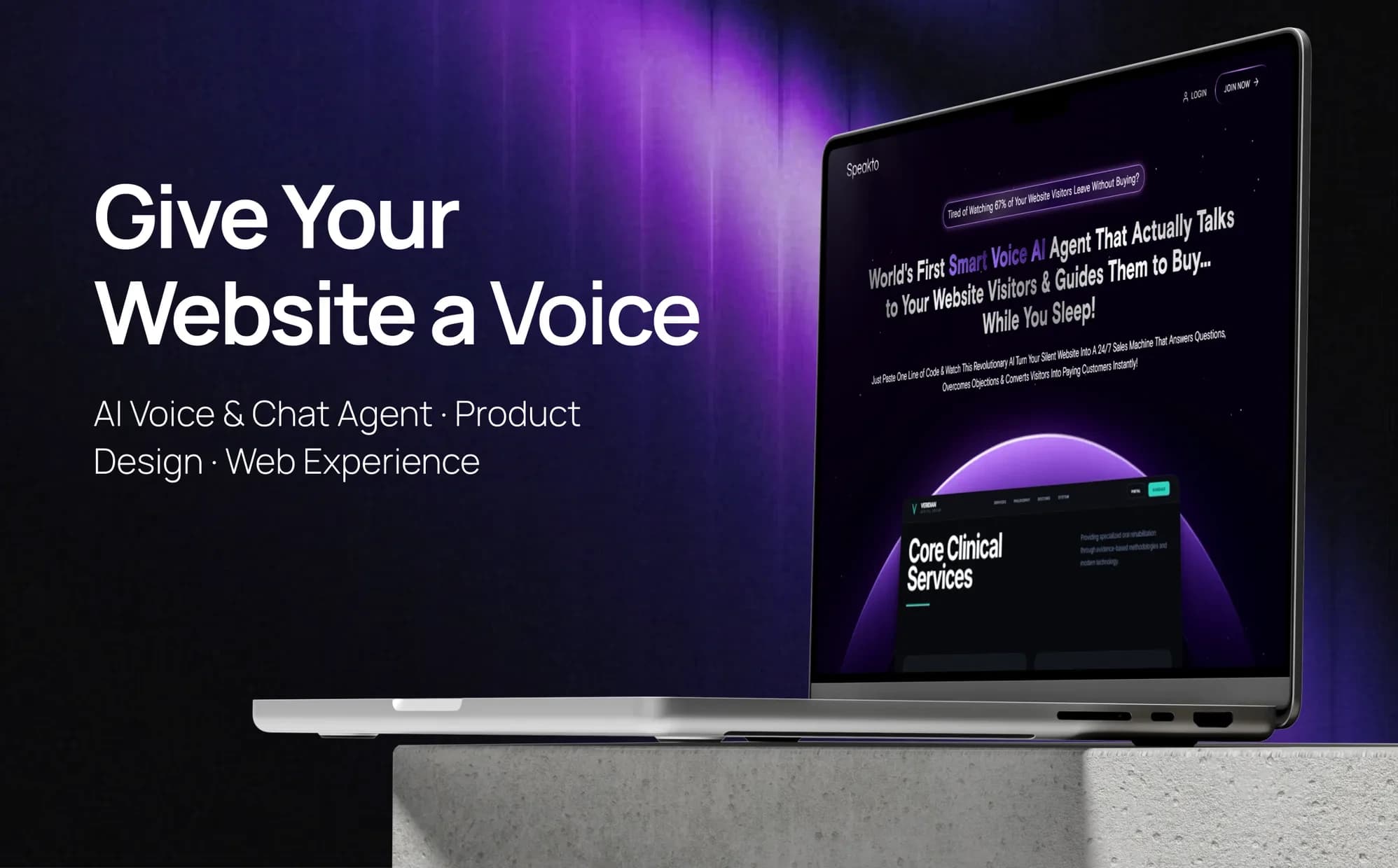
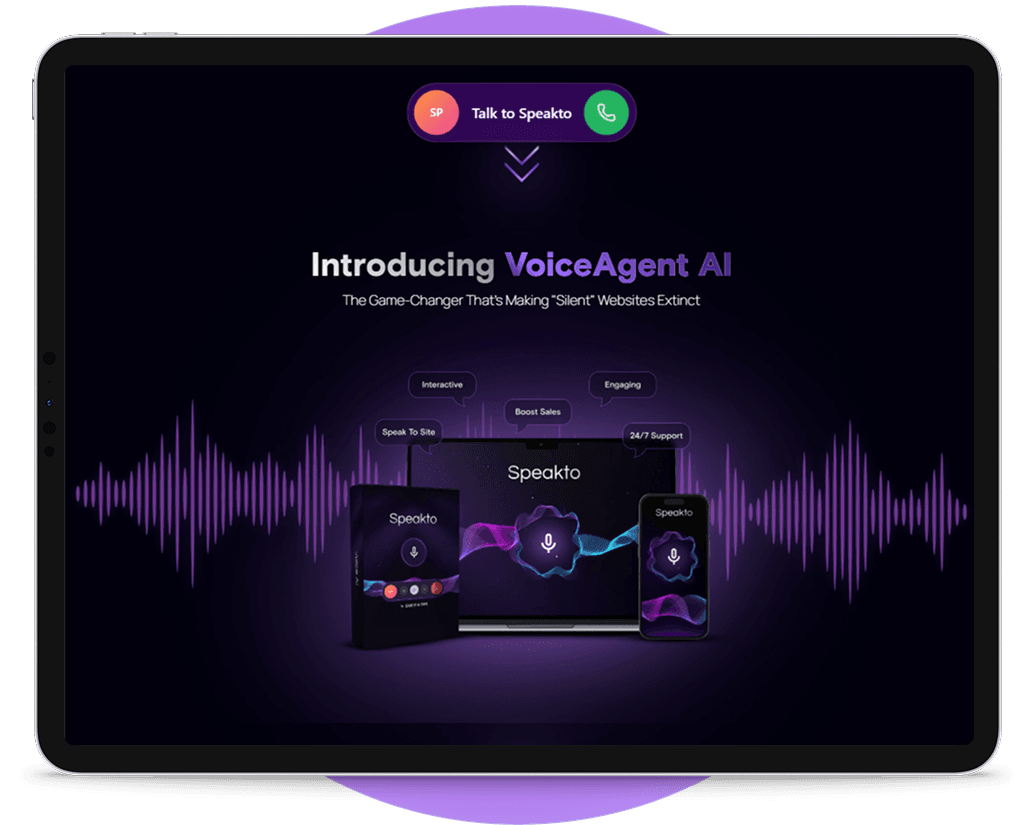
Speakto is an AI-powered voice and chat agent that lives on your website, helping visitors get instant answers through natural conversations.
- 40%
- of the research went to understanding visitors
- 35%
- to studying conversational and search patterns
- 25%
- to evaluating friction in website support
(02)
The Challenge
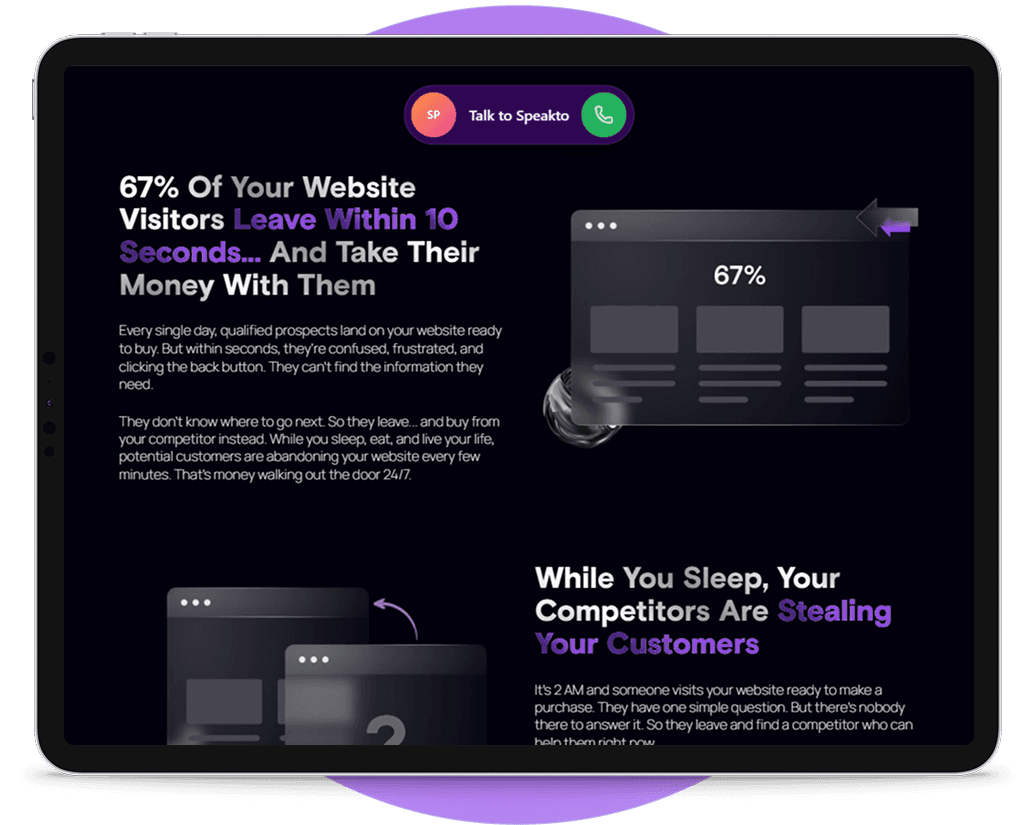
Finding information shouldn’t feel like work. Most websites expect users to learn the navigation before they can find an answer.
- 01
Find Answers Faster
“I know what I need. I just don’t want to search through multiple pages to find it.” — Alex, 28. Less searching, more asking.
- 02
Natural Interaction
“I want to ask a question naturally instead of figuring out the right menu or keyword.” — James, 25. Voice and chat.
- 03
Guided Action
“Once I get the answer, show me the right next step.” — Richard, 30. From answer to action.
(03)
The Approach
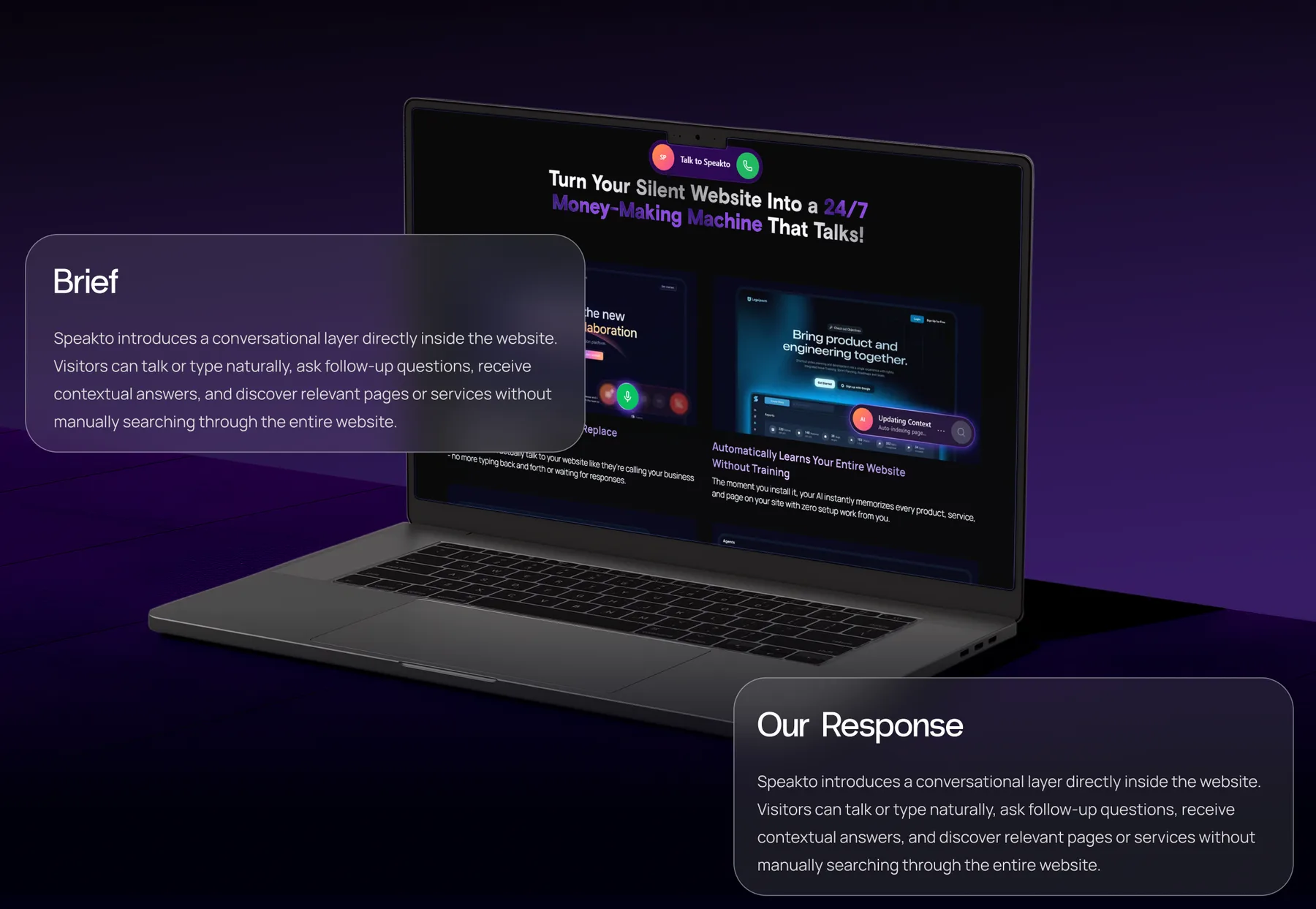
Turn browsing into conversation. A conversational layer directly inside the website, simple, familiar and unobtrusive.
- 01
Ask
Visitors talk or type naturally, in their own words, instead of guessing at navigation or keywords.
- 02
Understand
Visitors can ask follow-up questions and receive contextual answers.
- 03
Discover
Relevant pages and services surface without anyone manually searching the entire website.
- 04
Act
Each answer points to the right page, service, form, or contact option as the next step.
Selected Screens
(04)
Process
Design Process
- 01
Empathise
Interviews · User Research · Competitor Analysis · Observation
- 02
Define
Design Strategy · Problem Statement · User Persona · Empathy
- 03
Ideate
Brainstorming · User Flow · Information Architecture
- 04
Prototype
Sketch · Wireframe · UI Design · Prototype
- 05
Test
Usability Testing · Implement Feedback
Timeline
- Stage 1
Understand
Problem and Goals
- Stage 2
User Research
Benchmarking, User Interviews, Online Survey
- Stage 3
Ideation
Userflow, Sketches, Wireframes
- Stage 4
Design
UI Design, Prototype
- Stage 5
Launch
Feedback, Reviews
(05)
Audience
Primary Persona
Alex Morgan
Project Manager · 32 · Karachi, Pakistan
Alex wants quick answers in plain language, and a clear next step once the answer arrives. Speed, clarity and guidance matter more than browsing every page.
Speed / Clarity / Natural Interaction / Context / Guidance
Goals
- 01Get the right information without searching multiple pages.
- 02Quickly understand products, services, pricing, or capabilities.
- 03Use normal language instead of trying to guess navigation or keywords.
- 04Receive enough relevant information to know what to do next.
- 05Move directly toward the right page, service, form, or contact option.
Pain Points
- 01Too many menus and pages make simple information difficult to find.
- 02Important answers are often buried inside large blocks of website copy.
- 03Traditional website search may require exact keywords.
- 04Basic chatbots often provide scripted or irrelevant responses.
- 05Waiting for someone to answer creates unnecessary friction.
(06)
Design System
Colour
Lavender
#DEBFFF
Speakto Purple
#5A27B1
White
#FFFFFF
Midnight
#020014
Typography
- Radio GroteskPrimary typography
- ManropeSecondary typography
Give your website a voice.