02 — Startup Co-Creation
Timegram
Privacy-First, Tracking Platform

What They Do
A lightweight desktop app that automatically captures time & activity throughout the day and shows them as neatly organized activity blocks called Highlights.
How I Collaborated
I designed and developed the platform and helped Timegram establish a dedicated tech team, building both web and desktop apps for different user roles.
- Client
- Timegram
- Industry
- Project Management
- Services
- UX Research, UX/UI Design
- Timeline
- 1.5 Months
- Tools
- Figma, Illustrator, Photoshop
(01)
Overview
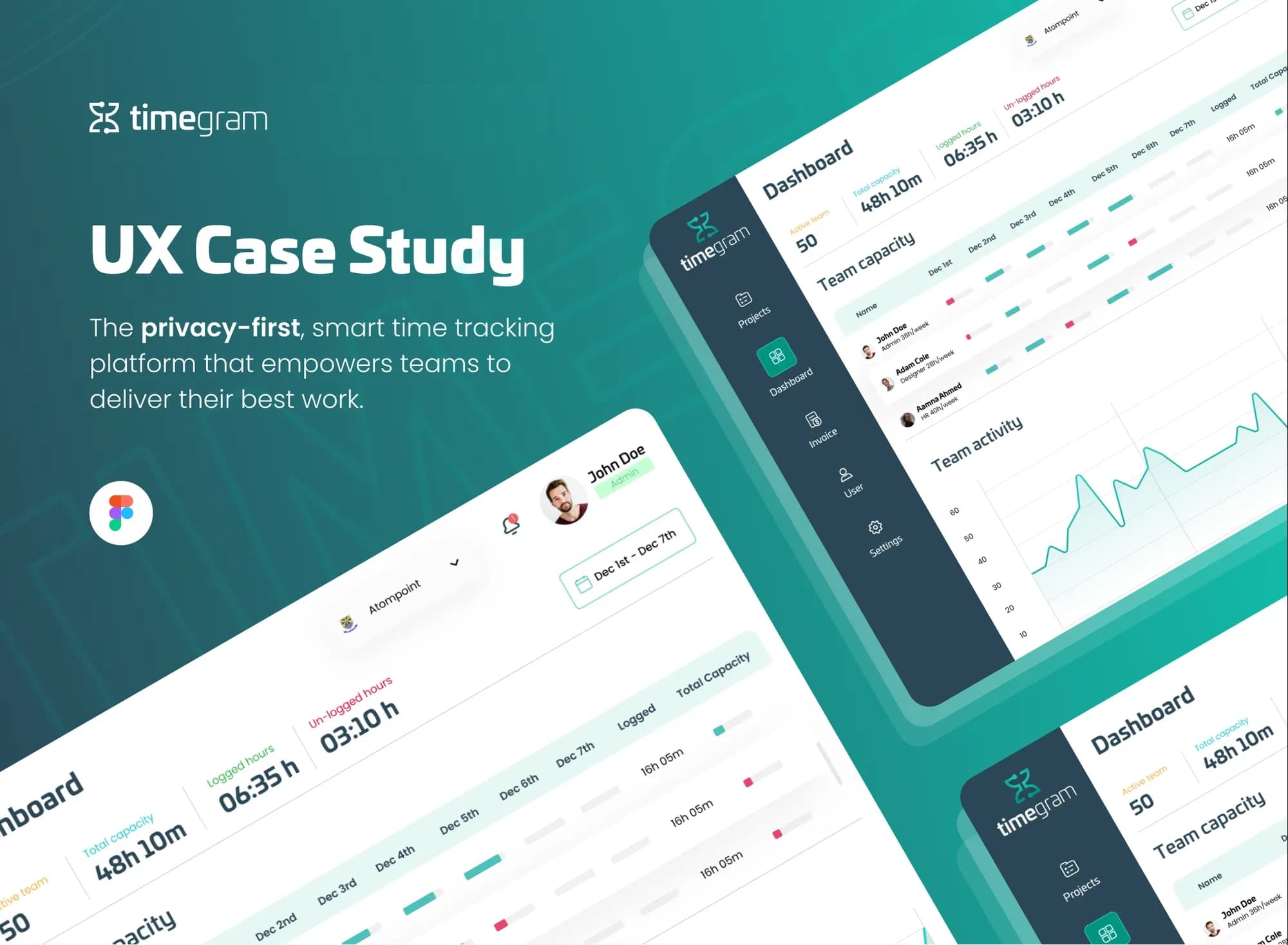
Timegram is a privacy-first, smart time tracking platform. Users only log task-related hours, so teams feel at ease, while managers still get the performance insight they need for strategic planning.
- 6
- Weeks across UX and UI design
- 3
- Competing tools studied: Timely, Time Doctor and Monday.com
- 5
- Design phases, empathise to test
(02)
The Challenge
Some time trackers follow movements and take screenshots without permission. Teams needed a tool that respects privacy while still helping managers make informed decisions.
- 01
Too Many Options, Little Trust
While searching for a reliable time tracker, teams face a crowded field and real concerns over invasive tracking.
- 02
Doubts About Real Privacy
Most tools lack intuitive interfaces, and it is hard to trust that privacy settings genuinely protect the data.
- 03
Resistance to Adoption
Teams push back on cumbersome tools, and concerns about privacy breaches never quite go away.
(03)
The Approach
A time tracker that lets people log only what matters — no invasive screenshots — while giving managers clear data for planning.
- 01
Log Only What Matters
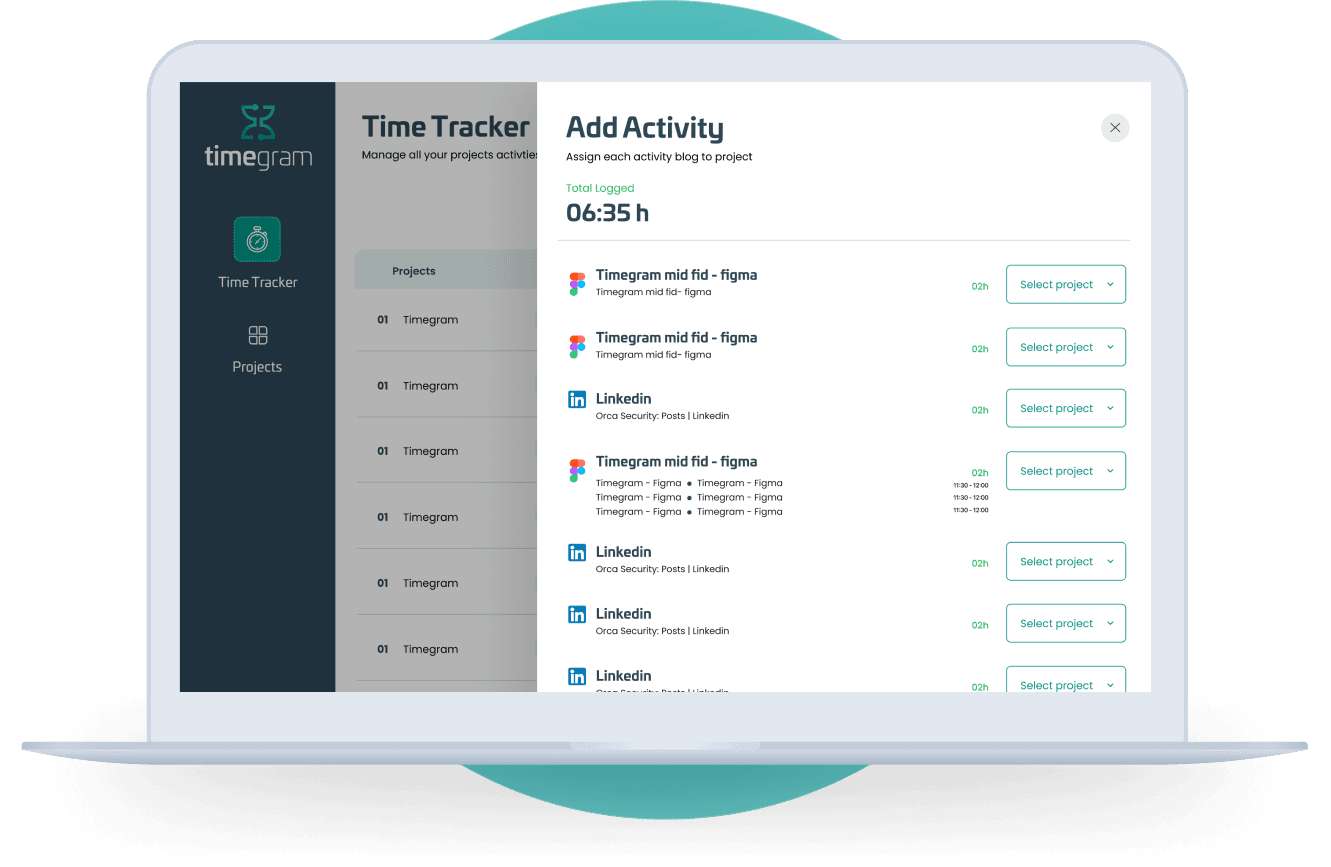
Users specify task-related hours only, which keeps tracking comfortable, private and focused.
- 02
Clear Insight for Managers
Team capacity, logged hours and activity sit on one dashboard, so managers see performance without watching people.
- 03
Everything in One Place
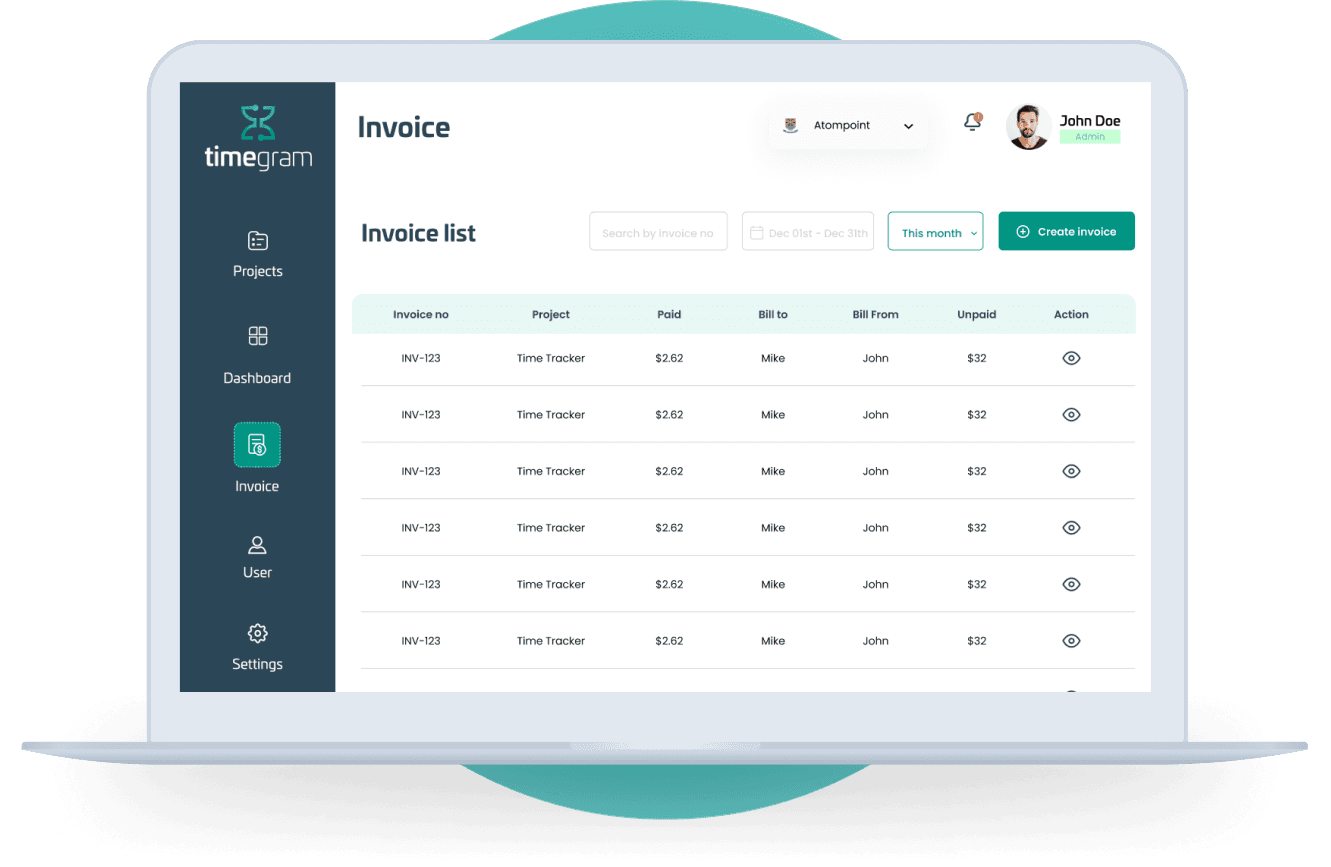
Projects, dashboard, users, invoices and settings live in one simple navigation for each role.
- 04
One Consistent System
Buttons, tags, cards, the sidebar and illustrations share a single style guide across web and desktop.
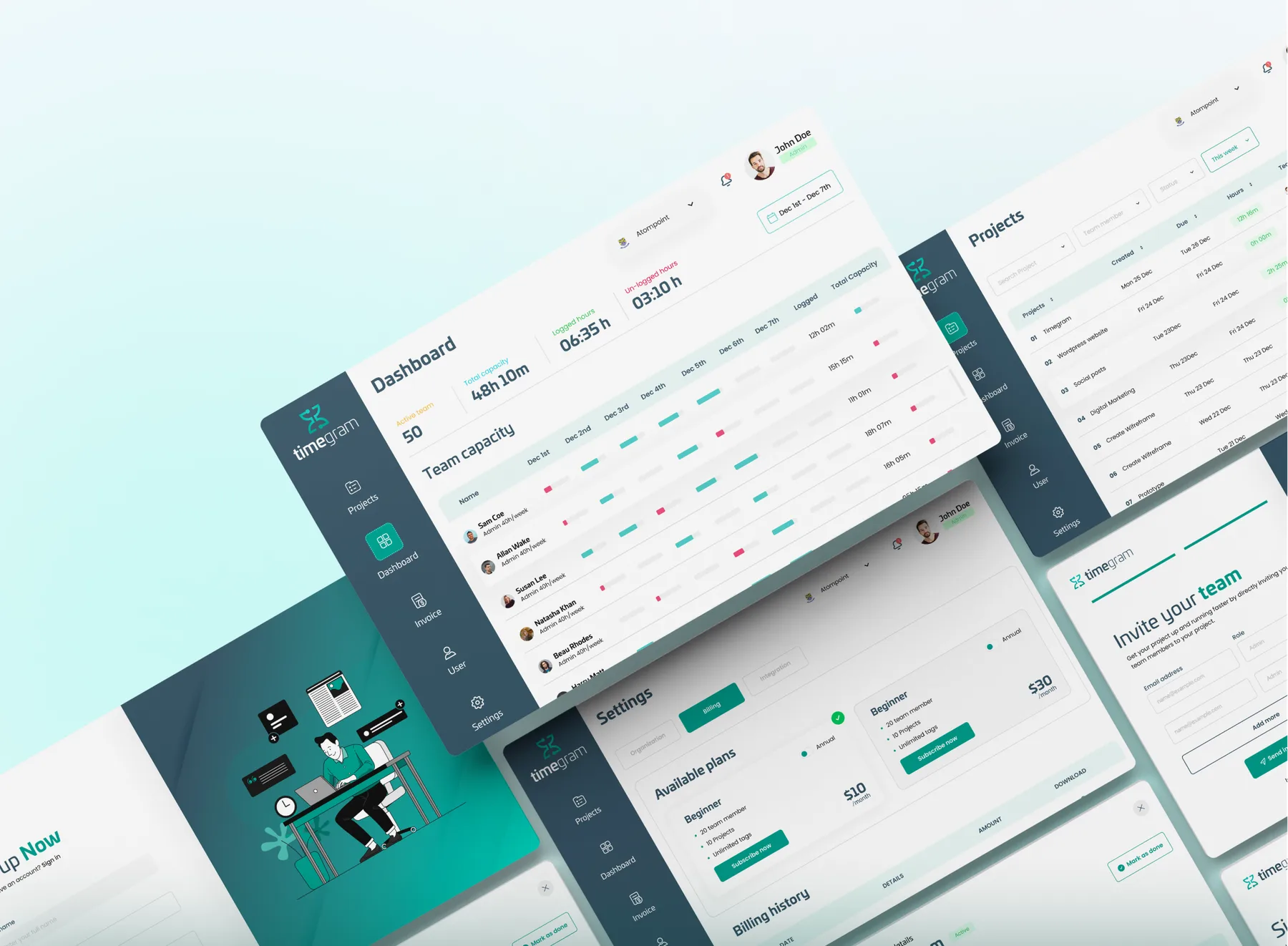
Selected Screens
(04)
Process
Design Process
- 01
Empathise
Interviews · User Research · Competitor Analysis · Observation
- 02
Define
Design Strategy · Problem Statement · User Persona · Empathy
- 03
Ideate
Brainstorming · User Flow · Information Architecture
- 04
Prototype
Sketch · Wireframe · UI Design · Prototype
- 05
Test
Usability Testing · Implement Feedback
Timeline
- Week 1
Understand
User Survey, Interviews, Problem Identification
- Week 2
Define
Information Architecture, User Persona
- Week 3
Ideation
Wireframes
- Week 4
UI Research
UI Research, Style Guide
- Week 5
Design
High Fidelity Wireframes
- Week 6
Launch
Presentation, Testing
(05)
Audience
Primary Persona
Sarah Mitchell
Project Manager · 28 · Plymouth, England
Sarah is a dedicated professional working as a project manager in a medium-sized tech company. She is known for her strong work ethic and commitment to delivering results, and she is always on the lookout for tools that respect privacy while enhancing productivity.
Organized / Tech-Savvy / Kind / Pro Privacy / Precise
Goals
- 01Non-intrusive tracking that respects autonomy
- 02Clear team performance insights
- 03Assured data confidentiality
- 04Boost team morale and trust
Pain Points
- 01Invasive tracking tools make the team uncomfortable
- 02Struggling to balance autonomy with monitoring
- 03Limited insights from existing tools
- 04Concerns about potential data misuse
(06)
Design System
Colour
#009482
#2B4656
#0C0C0C
#DFE3E8
#0FCBB5
Typography
- Univia ProPrimary typography
- PoppinsSecondary typography
Track the work. Respect the person.